Scheduling interpreters shouldn’t feel like a fire drill. Yet for many hospitals and clinics across the US, it still does: last-minute calls, no-shows, paper logs, and compliance gaps that only surface during audits.
This guide walks through the building blocks of a reliable language access workflow, whether you’re managing 10 appointments a week or 10,000.
Step 1: Know Your Volume and Language Mix
Before you can schedule effectively, you need a clear picture of demand. Pull your last 90 days of encounter data and answer:
- Which languages appear most often?
- What percentage of encounters require an interpreter?
- Which service lines (ED, OB, behavioral health) drive the most volume?
- Are there predictable peaks (Monday mornings, post-holiday surges)?
Most organizations find that 5–7 languages account for 80%+ of demand. That’s your core network. Everything else gets covered on-demand via remote interpreting (OPI or VRI).
Step 2: Match Modality to Encounter Type
Not every encounter needs an on-site interpreter. Choosing the right modality saves time and money without sacrificing quality.
| Modality | Best For | Typical Connect Time |
|---|---|---|
| On-site | Long procedures, labor & delivery, end-of-life conversations | Scheduled in advance |
| VRI | Sensitive discussions, ASL, pediatrics | Under 60 seconds |
| OPI | Urgent/walk-in, brief check-ins, low-bandwidth settings | Under 30 seconds |
A good rule: if the encounter involves ASL, trauma, or any visual component, use VRI or on-site. For everything else, OPI covers the gap.
Step 3: Build a Request Workflow Your Staff Will Actually Use
The most common failure point in language access programs isn’t the interpreters, it’s the request process. If it takes five steps to book an interpreter, staff will skip it.
The ideal workflow:
- Scheduler or care team identifies language need at intake
- Submits request through a single system (phone, portal, or EHR integration)
- System auto-matches to available interpreter based on language + modality + credentials
- Confirmation sent to requester; interpreter receives assignment
Every manual step you remove reduces no-shows and documentation gaps.
Step 4: Document Everything
For compliance with Title VI, Section 1557, and CLAS Standards, you need to be able to prove that language access was provided. That means:
- Date, time, and duration of interpreter service
- Language
- Interpreter name and credential status
- Requester and department
- Electronic or physical signature confirming service
Paper logs fail audits. A platform that auto-generates this record for every session removes the burden from your staff and closes the compliance gap.
Step 5: Track and Improve
Language access programs improve when you measure them. Key metrics to review monthly:
- Fulfillment rate: what percentage of requests were fulfilled on time?
- Response time by modality: are OPI/VRI connect times under target?
- No-show rate: are on-site interpreters showing up reliably?
- Language demand shifts: are new languages emerging that need dedicated coverage?
How interpretingWorks Handles This End-to-End
The interpretingWorks platform was designed around exactly this workflow:
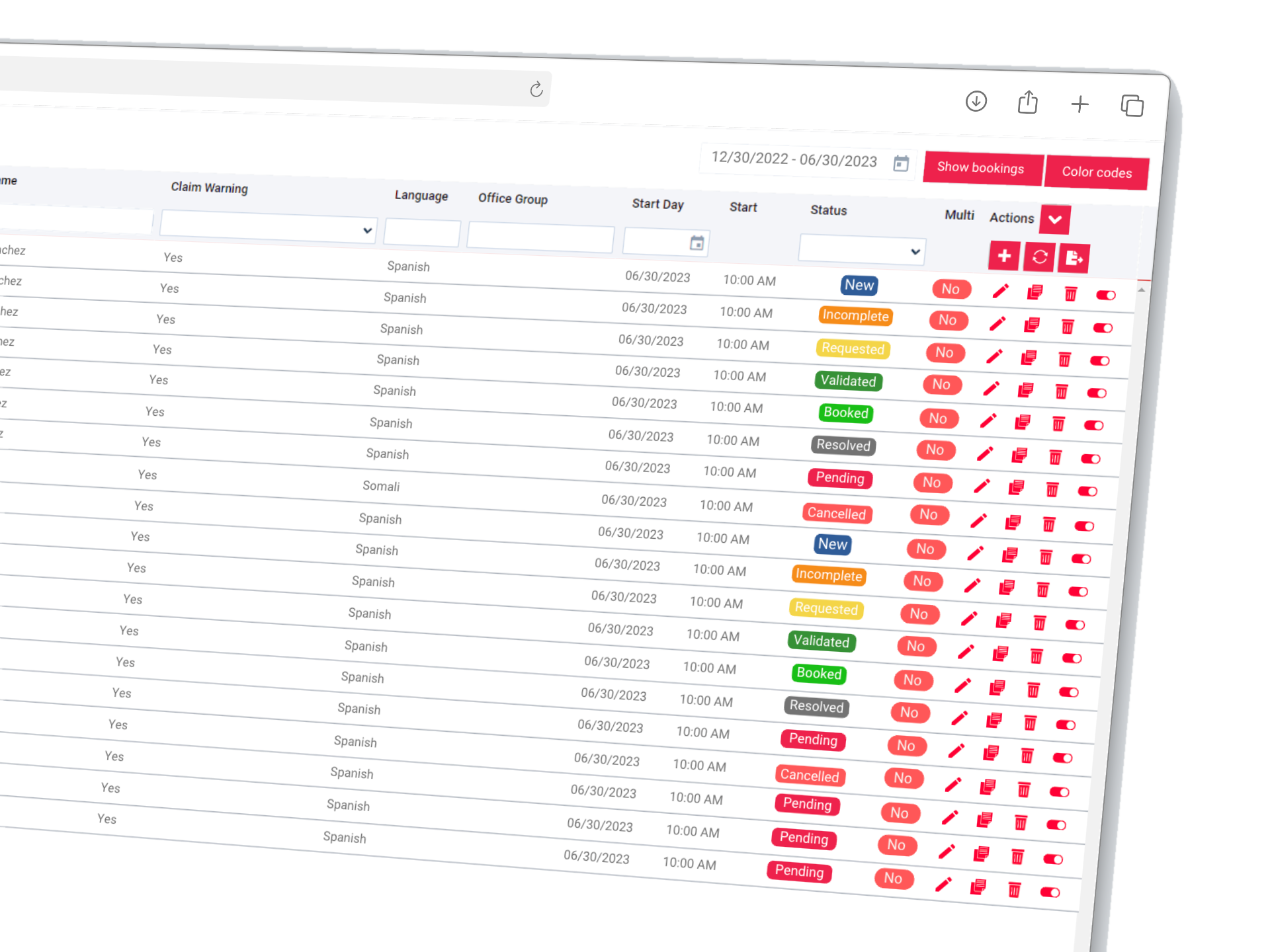
- Request from any device: web portal, mobile app, or direct EHR integration
- Smart matching: language, modality, credentials, and availability in one step
- Automated documentation: geo-verified electronic check-in/out creates a complete audit trail automatically
- Real-time reporting: pull compliance reports by language, location, department, or date range with no manual data entry
- Credentialing management: the system tracks certification expiration dates and flags issues before they become compliance risks
The result: less admin overhead, fewer gaps, and a program that holds up under scrutiny.
Ready to see it in action? Request a demo and we’ll walk through your specific volume and language mix.
Sources & Further Reading